Troubleshooting
Most issues can be fixed in a few minutes. Select your issue below to get started.
My internet is not working.
Having trouble connecting? Most connection issues can be fixed in just a few minutes with a simple restart of your equipment. Work through these steps in order.
Confirm your account is current
Our system automatically suspends service when a payment is more than 30 days past due. If you think you may have a past-due balance, log in to your account portal to check before continuing.
Unplug your modem
Find your modem and unplug the power cable from the wall outlet (not just from the back of the device). Your modem will be one of the following:
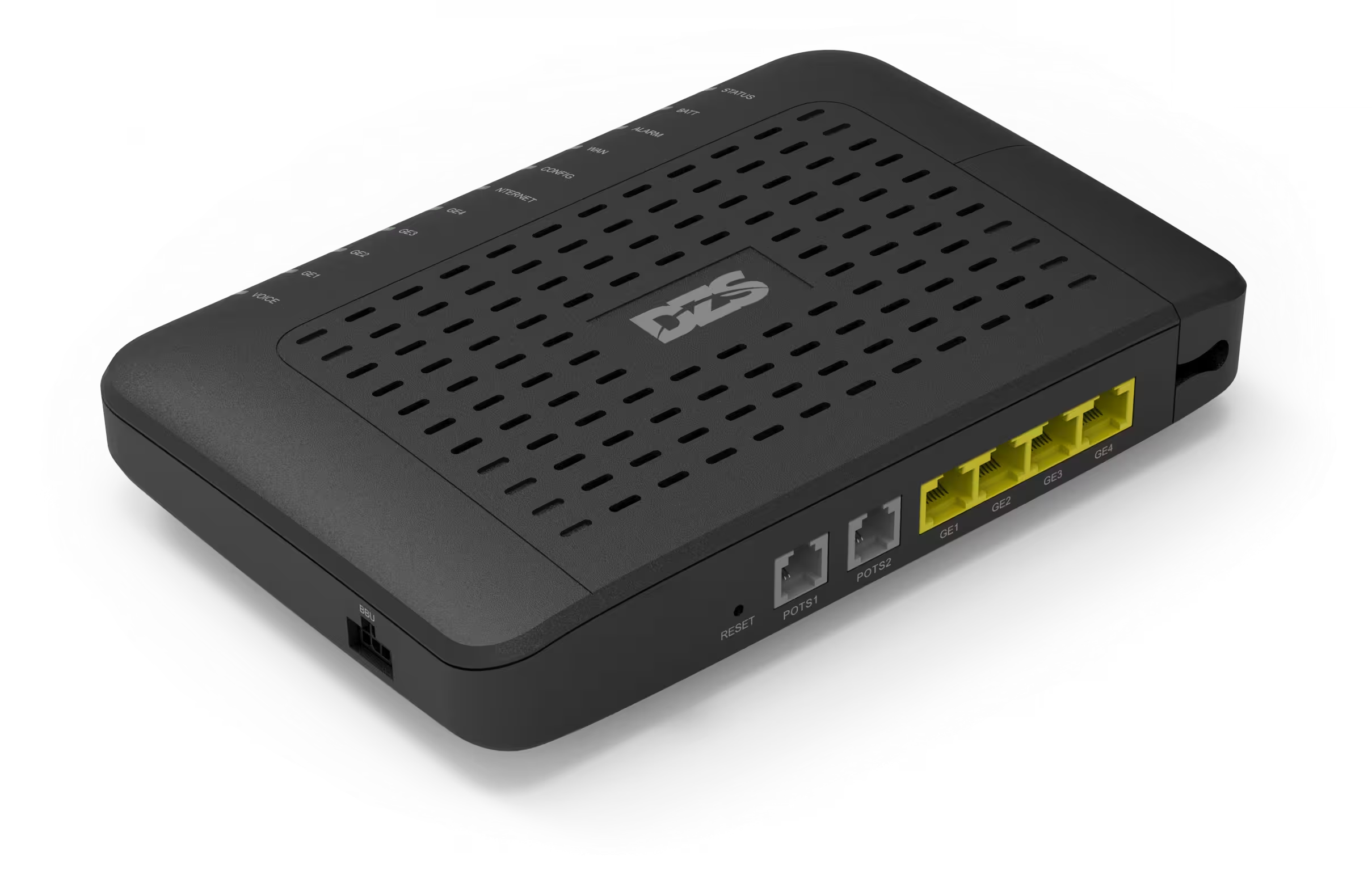 Black DZS modem
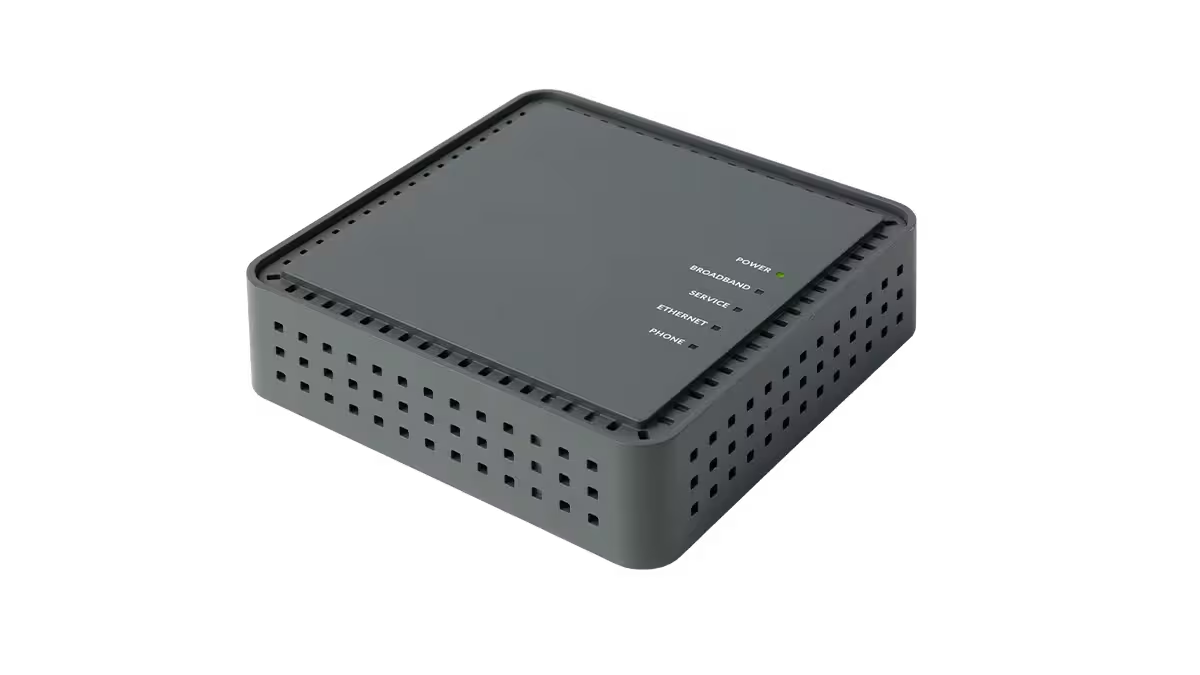 Gray Calix modem
Unplug your router
Now unplug your router from the wall outlet as well. Your router may be one of the following:
 TP-Link Deco (SecureNet)
Wait 10 seconds
With both devices unplugged, wait a full 10 seconds. This allows the equipment to fully reset and clears any network state that may be causing the issue. Count it out.
Plug the modem back in first
Plug the modem back into the wall and wait 2 to 3 minutes before doing anything else. The modem needs time to reconnect to our network before the router can communicate through it.
Once the modem's indicator lights have stabilized, plug your router back in and give it another minute or two.
That's it!
You should be back online. The large majority of connection issues are resolved with this restart. Your speeds may even be better than before.
My internet is slow.
Experiencing slow speeds? Before anything else, there's one thing that resolves the majority of slow speed complaints.
Check your payment status first
Our system automatically reduces internet speeds when an invoice is 15 or more days past due. This is by far the most common cause of sudden slow speeds.
Log into your account to confirm your payment status. If a payment is outstanding, completing it will restore your full speeds, typically within minutes.
Still slow after confirming payment?
Contact our support team and please include: what speeds you're seeing, what device you're using, whether it's on Wi-Fi or wired, and roughly when it started.
Still need help?
If you've worked through the steps above and are still having trouble, our support team is here for you.